Record once, study smarter
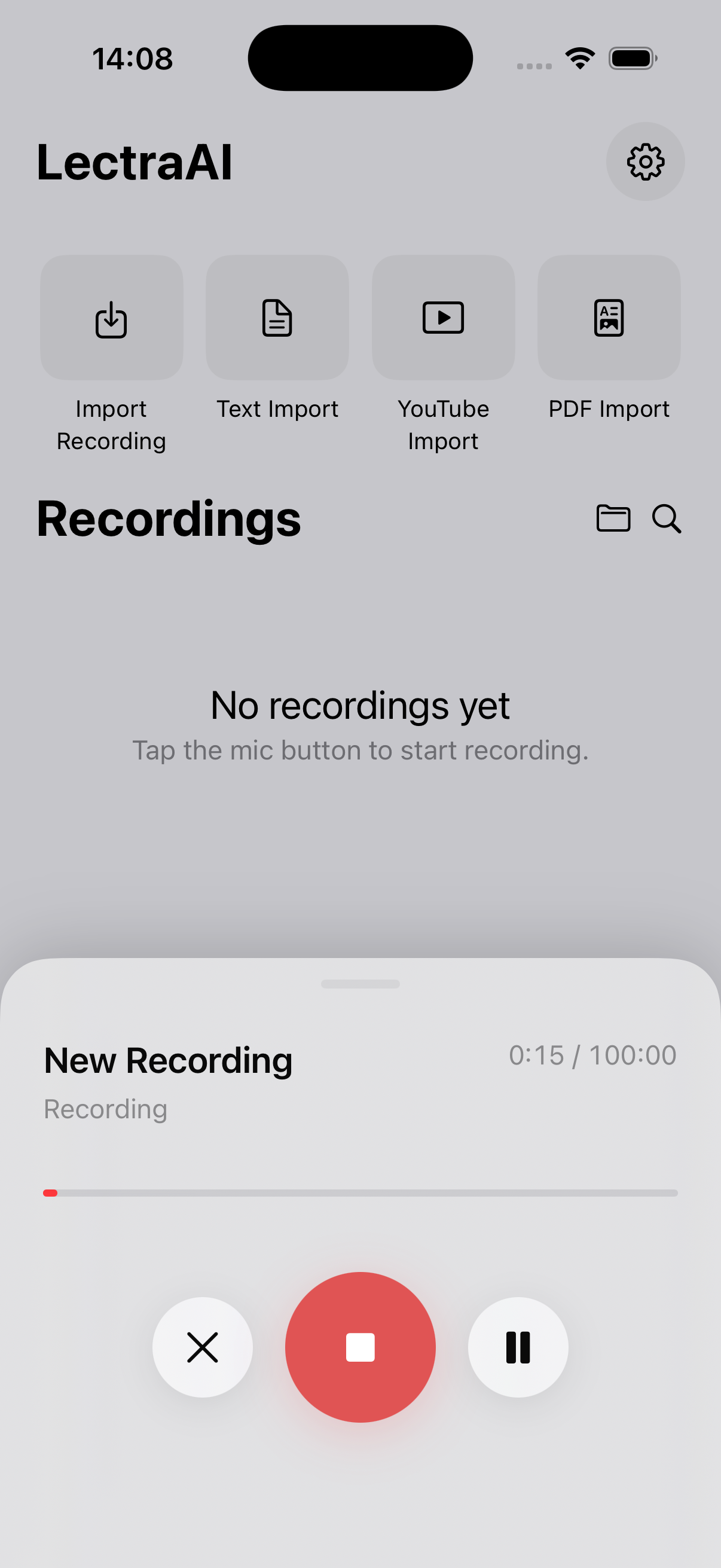
Capture class audio in one tap, then get transcripts and study materials without rewriting notes by hand.
Focus on learning — not rewriting
Instantly turn lectures, PDFs, and YouTube into notes, flashcards, and quizzes so you can review faster and walk into exams prepared.

 Coming soon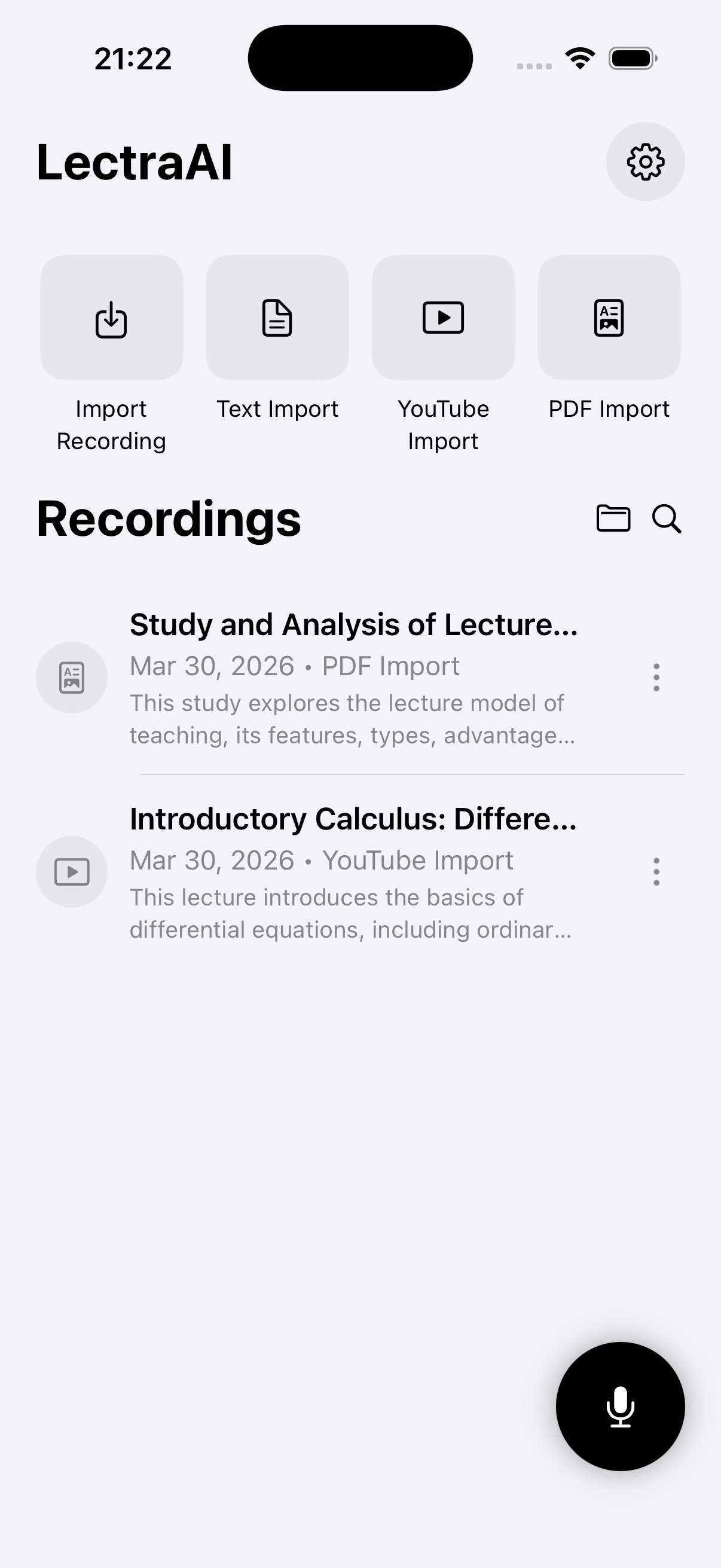
Built for students — record or import a lecture, then review with notes, flashcards, and quizzes.
Capture class audio in one tap, then get transcripts and study materials without rewriting notes by hand.
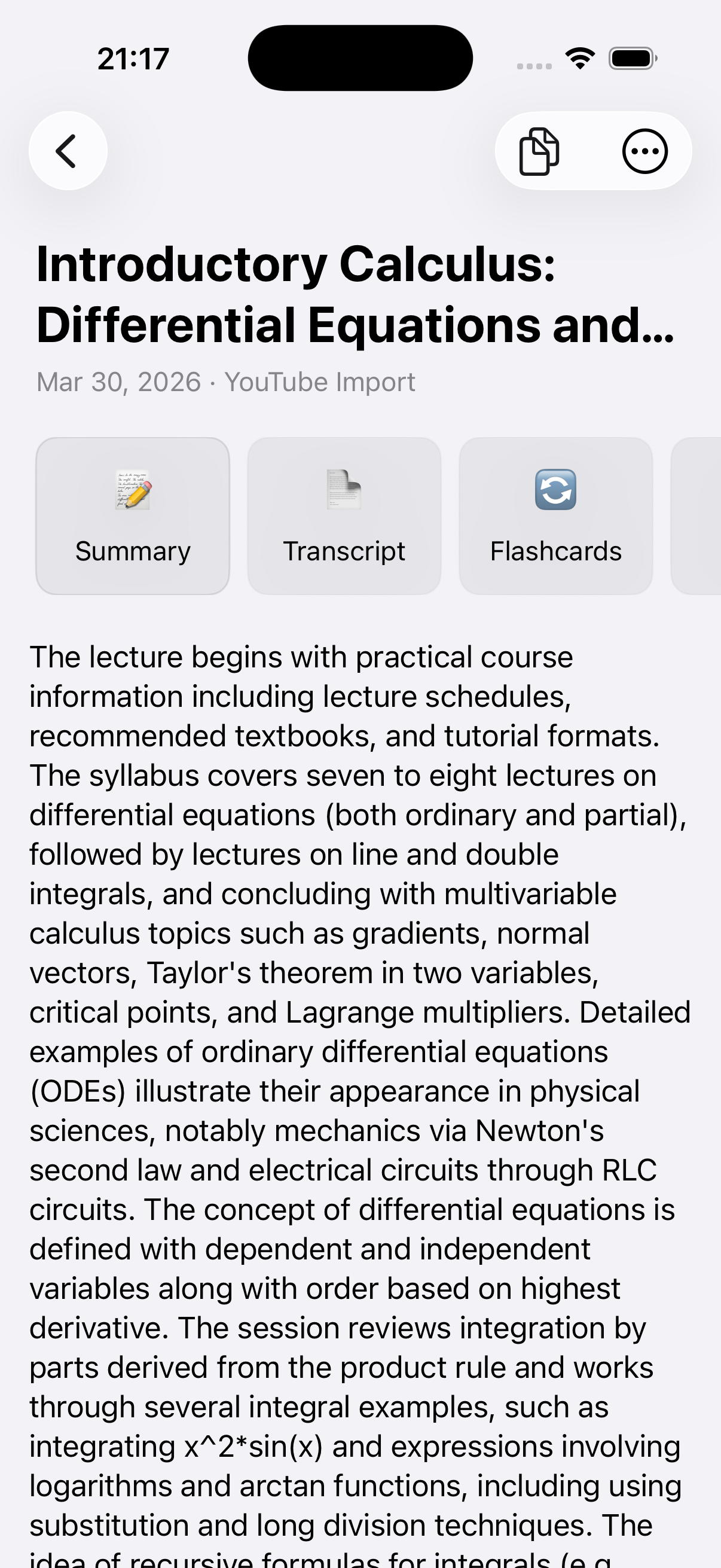
Turn long lectures into concise summaries and detailed notes so you can review key ideas in minutes.
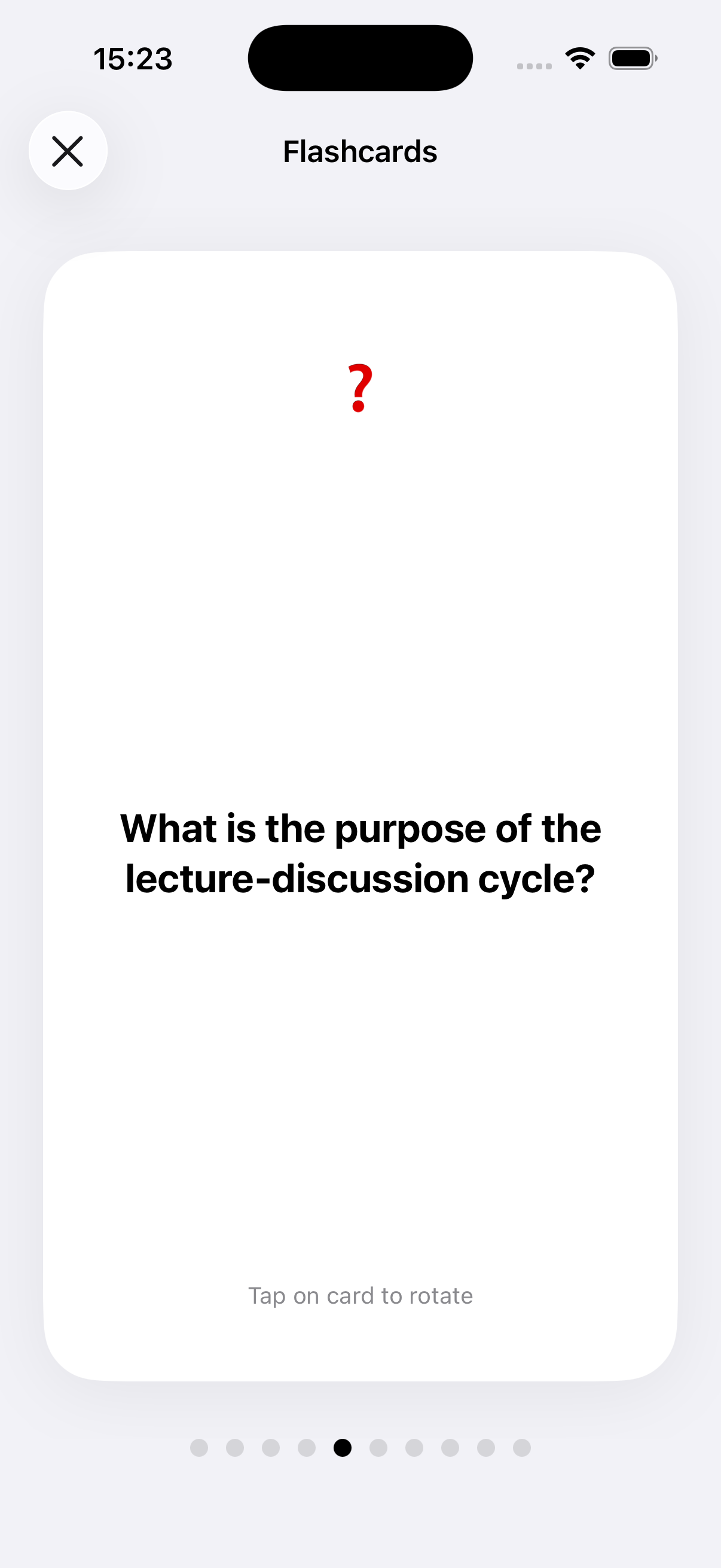
Practice with cards generated from your content so important concepts stick before the exam.
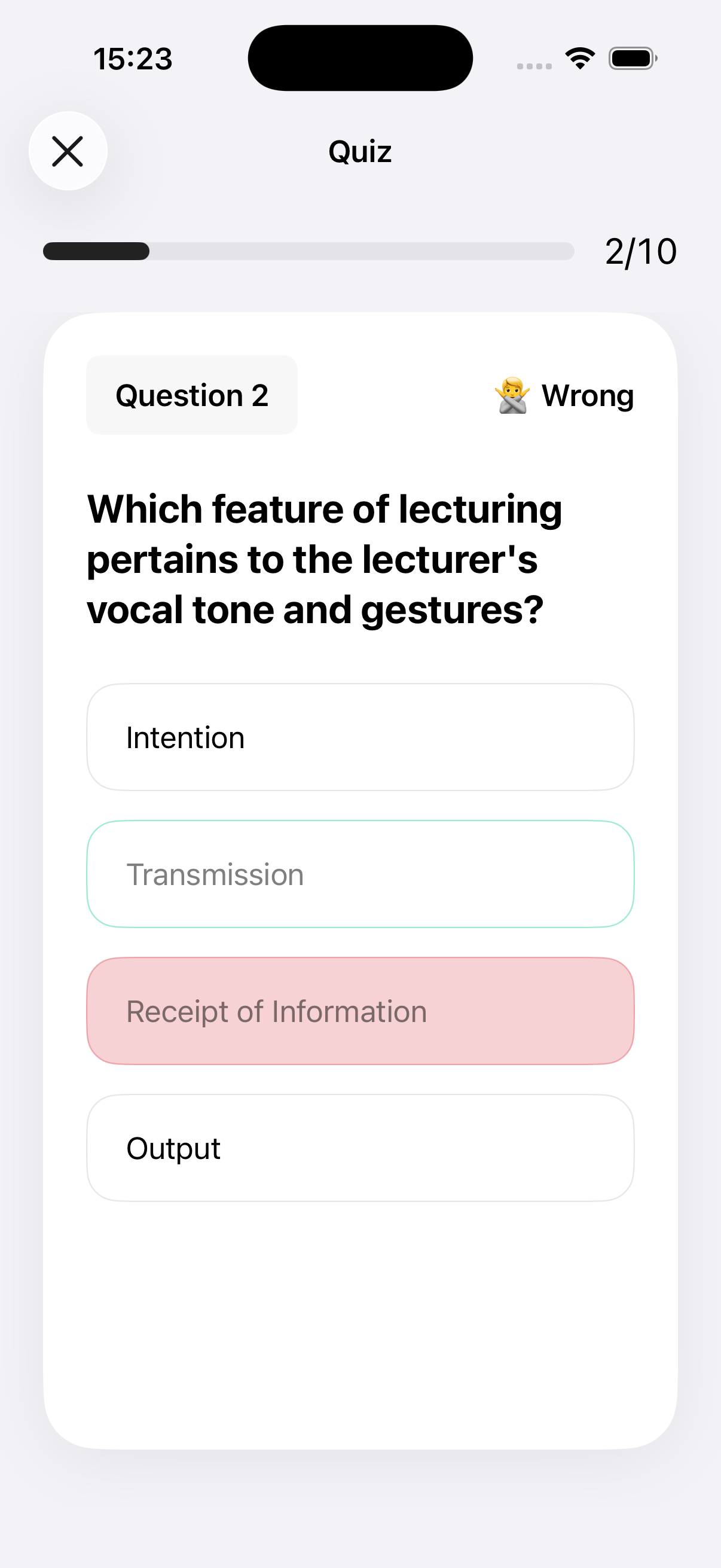
Test understanding with quizzes based on the same lecture — not generic question banks.
Bring in audio files, PDFs, pasted text, and YouTube links — Lectra builds a study pack from your source.
Listen back to your recorded lectures and rewatch processed YouTube videos alongside the notes they produced.
Capture or import a lecture, get a summary and transcript, then study with flashcards and quiz mode.
Straight answers about imports, transcripts, exam prep, and restoring purchases.
Lectra helps you turn lectures and study materials into transcripts, summaries, flashcards, quizzes, and organized study notes.
You can record lectures directly in the app or import audio files, PDF files, text, and YouTube links.
Yes. Lectra processes supported content and can generate a transcript, along with study materials such as summaries, flashcards, and quizzes.
Yes. The app is built to help with review, active recall, and exam prep by turning long content into study-friendly materials.
Open the app, go to Settings, and tap Restore purchases.
Contact support and include details such as the content type you imported, what happened, and your app version if possible.
Record a lecture or import PDF and YouTube — get notes, flashcards, and quizzes without rewriting.
Coming soon